Showing posts with label Michael Rose. Show all posts

Friday, 20 January 2012

Evaluation 4. What have I learned from my audience feedback.


Adam pointed of the 'Dre Beats' headphones which is part of the grime culture that is why the artist is wearing them. However there also part of the hip hop culture and the interviewee has got the genre of the song wrong. This is something we could of been more clearer about. MK is not just grime but he is english hip hop. That is why he is not in an 'estate' but is in an open area like a Alexander palace. This location was used for its colour, view and link to London.


Jason pointed out that he liked the artist performance skills and it made the video look professional. He also liked the transitions and found it hard to find negatives about the video, however he did say that if we could we should of added a car, something that is seen in many hip hop videos. When we first planned the video we did want this however there was no car avalible. And finally he thought there should of been a female in the video as the song is about a female but i think the video still works well without one because the song is about the artist not being with the female and denying his over for her but missing her 'Just a little'. So having no female emphasises this. 


Jason thought that the album cover should not of had lines because there "chunky" and draws attention from the rest of the cover. I think they could of been much smaller also. Furthermore he said he didn't like the black background however i like the simplicity. He said the cover fits the genre and has typical conventions which he said was a good and bad thing. I didn't want to challenge the conventions in my album cover however challenging the conventions could be something I'd try next time it seems like a fun task.

The advert he though contained to much things and there wasn't enough space. I imagine the poster on a billboard and I think it would look better on there and not so compact. He did however like the image of MK pointing to his album.

His favourite was the inside of the digipak. Because he liked the image, triangle on the CD and the little shout out. He likes the black and white contrast on this part but not onn the front. He thinks the front should be more creative because that would sell he product. I do agree and think next time I will make it more colourful.


Kayla liked the camera movements and camera angles, many close ups which is one of the main conventions of a music video. She other than Adam liked the black background because the clothes stand out. And also unlike Adam she likes all the different locations. She thought the steadiness of the camera could of been better, maybe we should of used the tripod more. Also there was some dark shots which I do agree and wish we used the spotlight more. She thinks that MK shouldn't of been in front of Range as much as he was but we did this to emphasise MK is the main actor.


Unlike Jason Kayla liked the use of the black and white colours. She also liked the effects of MK in different colours because it makes the audience focus on the main artist. However she thinks I should of used an image with my mouth closed. I didn't think about this but I tried to make the over like Tinie Tempah Pass Out cover. She thinks The album cover on the advert should of been bigger and the logos not stretched as much, I have too agree.

From all the audience feedback I've realised things I could of improved on. I now know what I will do better next time.

Evaluation 3. How did I use media technologies in the construction & research, planning & evaluation stages.

Evaluation 2. How effective is the combination of my music video and my digipak and advertisement.


The red and green colour scheme


The black and white colour scheme


The 'just a little' finger pose

Evaluation. In what ways does my media product use, develop or challenge forms & conventions of real media products.


Friday, 13 January 2012

Final Digipak


Last minute changes to Digipak and Poster


I added more logos and made them look slicker


I added a design into the inside CD cover 


I added shadows under the artist arm to hide jagged cropping and moved the album to not cover my finger

Wednesday, 11 January 2012

Advertisement

Because the writing for the text wasn't clear I changed the font to arial

Advertisement


For the advert I started with a black A4 background and made it portrait. I then screen grabbed a picture for the album to put on the poster


Then I screen grabbed the artist name and title that is on my CD cover


I added the date the album comes out in red writing so it stands out


I put in logos of the different shops and websites that you can buy the album from and also the record labels


I felt like the advertisement needed more so i added a review and extra promotional techniques of number 1 singles and hit records

My inspiration for digipak

As you can see this is where I got the inspiration for the different colours and the artist pose. Also the lines.
As you can see this is how i wanted my back cover too look. Simple but not boring

Also the cd has the album name and artist on it as mine does. It follows the same type of text and colour 

More Digipak

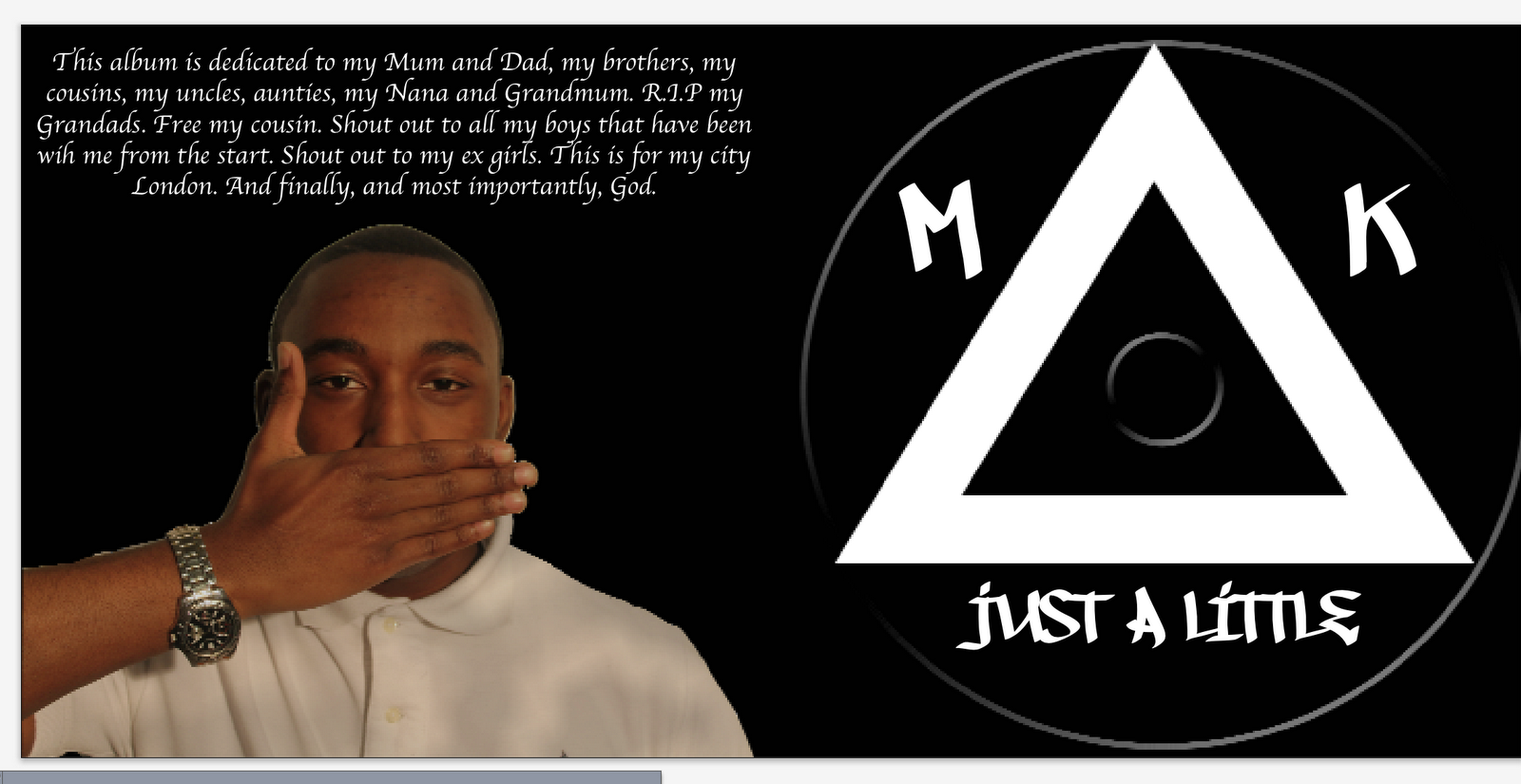
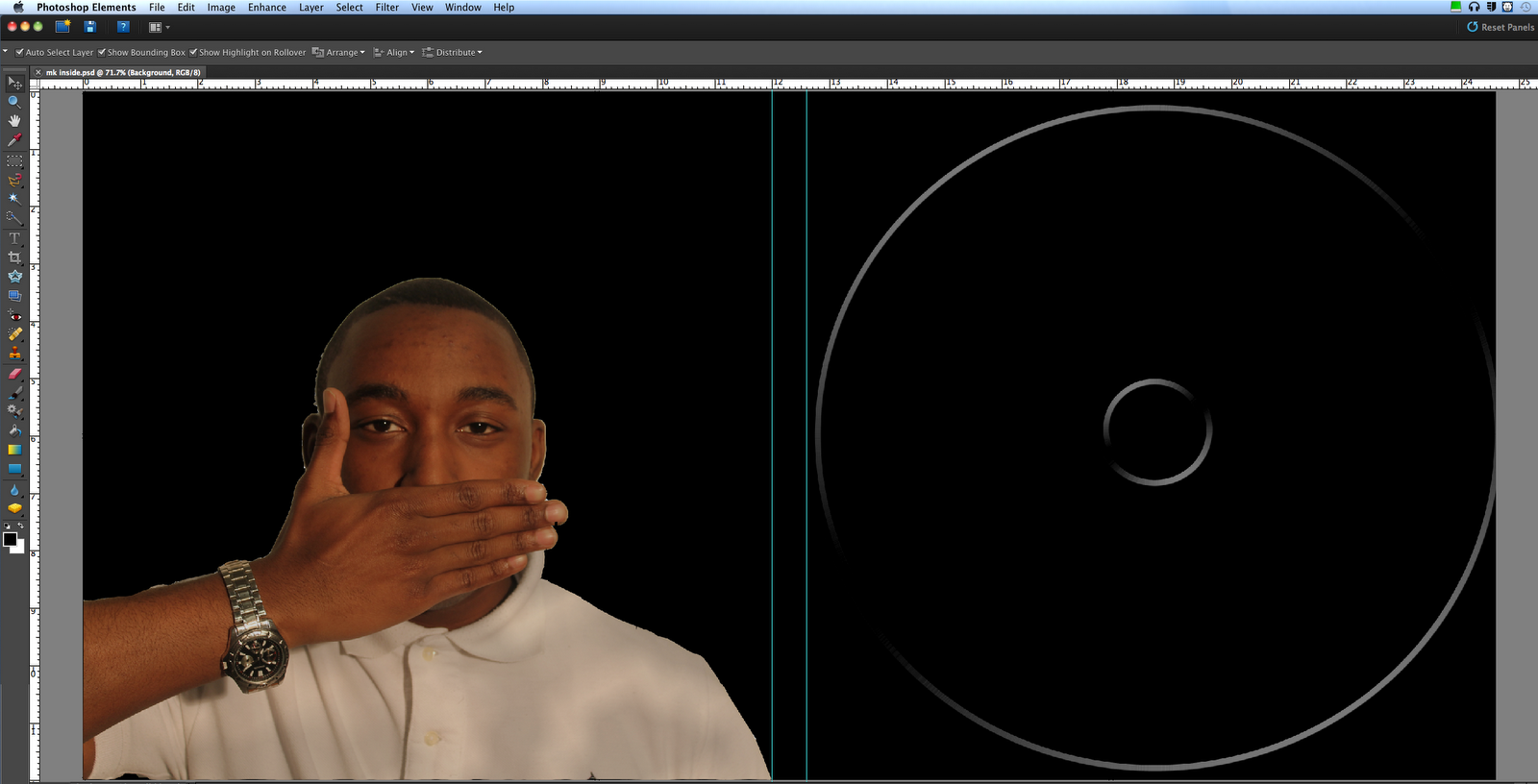
Doing the inside cover was quick and simple. I used a black background once again and made a cd shape. Then cropped out another picture and added shadows on the pic to make it look slick

I then went on quark again and added a dedication for the album and titles to put on the CD

Friday, 6 January 2012

Digipak

I started my digipak with a black background on a 2 CD template on photoshop I then added white lines that will separate pictures from titles.


I then cropped my favourite picture and scaled it too size. I added back shadows around the picture to have a smooth slick look to it


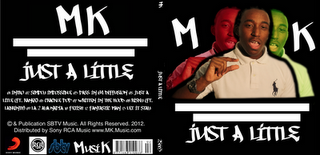
I then copied the pic of the artist twice and used colour variations to make one red and one green. I used red red and green because those are colours that occur in the music video many times


I then put the image on quark and added the titles of the artist, songs, copyrights & publishing and logos and the side panel.


Wednesday, 4 January 2012

Digipak Trial


I didn't get to finish but in the real one but I will add the publication and copyrights, the side panel, the logos, the barcode

Mock Up Of Digipak


Other Students digipaks and magazines

These past student digipak and adverts all my group liked


Digipak Do's and Dont's

DO


  1. Use clear fonts
  2. Use a layout that follows the rule of thirds for composition
  3. Use an appropriate style that relates to the genre
  4. Use photos that are appropriate for the shape and size
  5. Use appropriate industry logos, barcodes, copyrights etc.


DONT

  1. Stretch photos, this will make them out of focus
  2. Use layer styles
  3. Use unnecessary effects 
  4. Use text across the artist face
  5. Use a font just cause you like it